Web-Development
Screenshot-a-Day: An Archive, Not an Alarm
A theme update breaks a hero image on Safari. A hosting provider changes a default. A CMS plugin starts injecting something. Nobody notices for six weeks, and when someone finally does, the only honest answer to “when did this start?” is a shrug.
I have given that shrug more than once. This week I shipped Screenshot-a-Day v0.1.0 so I would stop having to.
The idea is not new around here. It has been sitting on this site as a sketch since May 2024, back when I assumed the answer was a $10/year SaaS running Puppeteer on a Lambda. What actually shipped went the other direction on almost every one of those assumptions, and the reasons are the interesting part.
A Theme Meets a Stranger
I clicked the “Latest release” badge in Ryder’s README and landed on v0.0.1-alpha, dated January 2024.
That would have been unremarkable if it were the latest release. It wasn’t. Ryder had shipped v0.1.0 through v0.2.4, but the release workflow marked every automated release as a prerelease. GitHub excludes prereleases from that badge, so two years of releases were present, downloadable, and effectively invisible from the project’s front door.
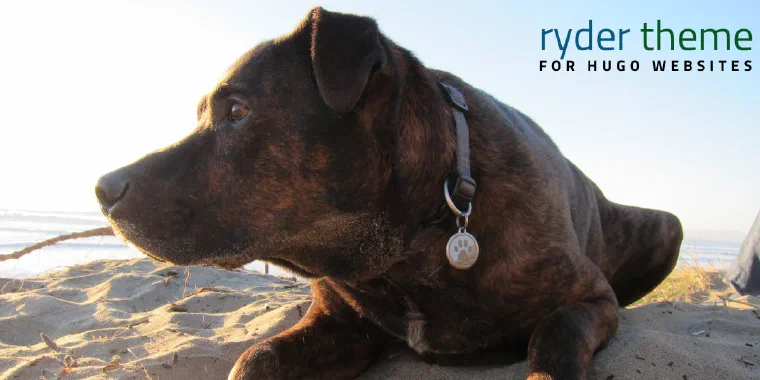
The Ryder Theme for Hugo
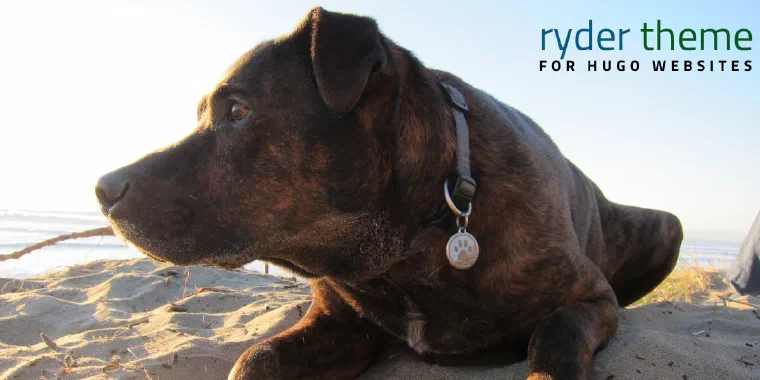
In honor of this old guy Introducing the Ryder theme, a theme for the hugo static website generator. This is an open-source Hugo theme boasting Tailwind CSS, FontAwesome integration, and customizable features. Perfect for beginners and seasoned developers alike, kickstart your website with this versatile theme.
Github Action to Create New Content in Hugo
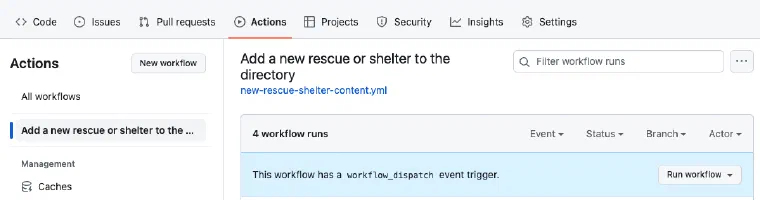
This is what it looks like I use Hugo a lot for my web development work, and I think it is pretty great. The one problem with it for many non-technical people I work with is that there is no CMS feature, they want a website administration page where they can do the usual.
Hugo Helpers
Here are some useful partials I use in this theme.
layouts/_default/_markup/render-image.html This replaces the default markup template for rendering an image when the markdown code  is used. It calls another partial you have to add to your theme or layout directory in your site called ImageConverter.